shoppable video app for Shopify
How to Add Shoppable Video to Your Shopify Store (No Code, 2026)
23 September 2026 · 7 min read
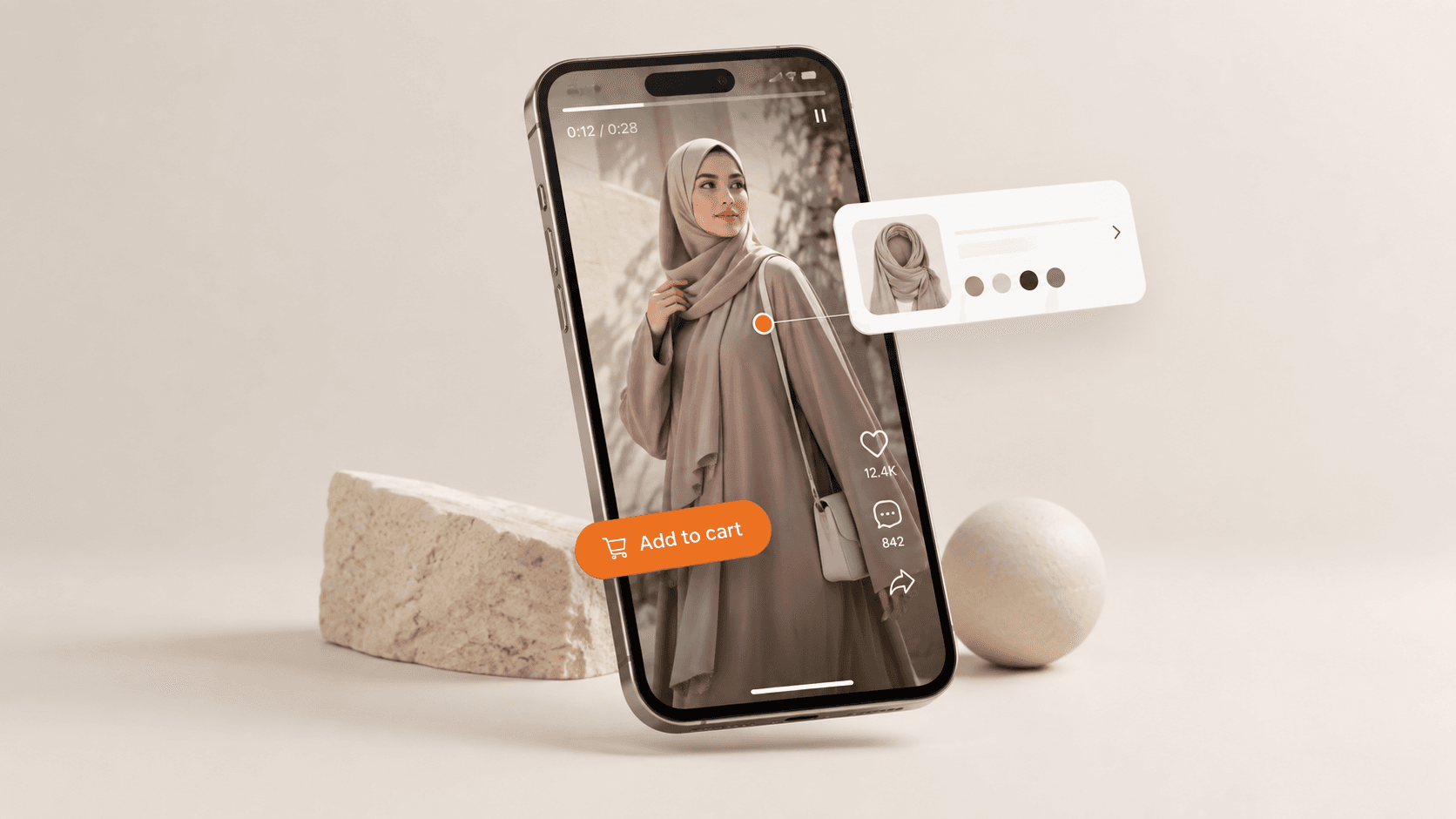
Shoppable video is video where shoppers can buy the product without leaving the clip — they tap the item and add it to cart right there. On Shopify it turns the videos and Instagram/TikTok reels you already have into a storefront that sells, instead of decoration that just plays. This guide covers why it works, what to look for in a shoppable video app for Shopify, and how to add it without touching theme code.
Why shoppable video converts better than static images
Product pages with video hold attention longer, and attention is what moves conversion. Video shows fit, scale, texture and how a product actually behaves — the exact doubts that stop a first-time buyer. When the buy button lives inside the video, you remove the extra step between "I want that" and checkout. That's the whole point: shorten the distance from interest to purchase.
Where shoppable video works on a Shopify store
- Home page — a reels-style carousel to drive discovery.
- Product pages — a short clip of the item in use, shoppable inline.
- Collection pages — video tiles that let people shop a look.
- A dedicated "shop the feed" page — your best UGC and reels in one shoppable grid.
What to look for in a shoppable video app
The Shopify App Store has plenty of video apps. When you compare them, judge on these — not on the flashiest demo:
- No-code embedding. You should place widgets without editing your theme's Liquid.
- Reels & UGC import. Reuse the TikTok/Instagram content you already make.
- Page speed. Video must lazy-load so it doesn't wreck your load time (and your SEO).
- Real product tagging. Tapping the video should add the exact variant to cart.
- A free plan. You should be able to prove it lifts conversion before you pay.
How to add shoppable video to Shopify (no code)
- Install a shoppable video app from the Shopify App Store.
- Upload your clips or import existing reels from Instagram/TikTok.
- Tag each video with the product(s) it features.
- Drop the widget onto your home, product or collection pages via the theme editor — no code.
- Watch add-to-cart rate on pages with video vs without, and expand what works.
The no-code option: Lumireels: Shoppable Video
Lumireels: Shoppable Video does exactly this — embeddable shoppable video and reels widgets that turn views into product discovery, with no code and a free plan to start. It's built by TwinEcom, an agency that runs real ecommerce stores, so it's designed around conversion, not just playback. See it on the Shopify App Store or browse all our Shopify apps.
Is Lumireels the best shoppable video app for Shopify?
The best shoppable video app for Shopify is the one that's easy to embed and doesn't slow your store. Lumireels focuses on exactly that — no-code shoppable video and reels widgets, import from Instagram/TikTok, and a free plan — built by an agency that runs stores, so it's designed around add-to-cart, not just views. See it on the App Store and judge it against the others.
FAQ
Does shoppable video slow down my Shopify store? Only if the app loads video eagerly. A well-built app lazy-loads clips so the page stays fast — ask before you install.
Can I reuse my Instagram reels? Yes — the better apps let you import existing reels and TikToks and make them shoppable, so you're not filming from scratch.
Is shoppable video worth it for a small store? Yes, because it uses content you already create. Start on a free plan, put video on your top product pages, and measure add-to-cart.
Want the whole growth stack, not just an app? Talk to TwinEcom — we build the tools and run the ads that scale stores.