how to create product bundles on Shopify
How to Create Product Bundles on Shopify (Build-a-Box, Mix & Match, BOGO)
23 September 2026 · 7 min read
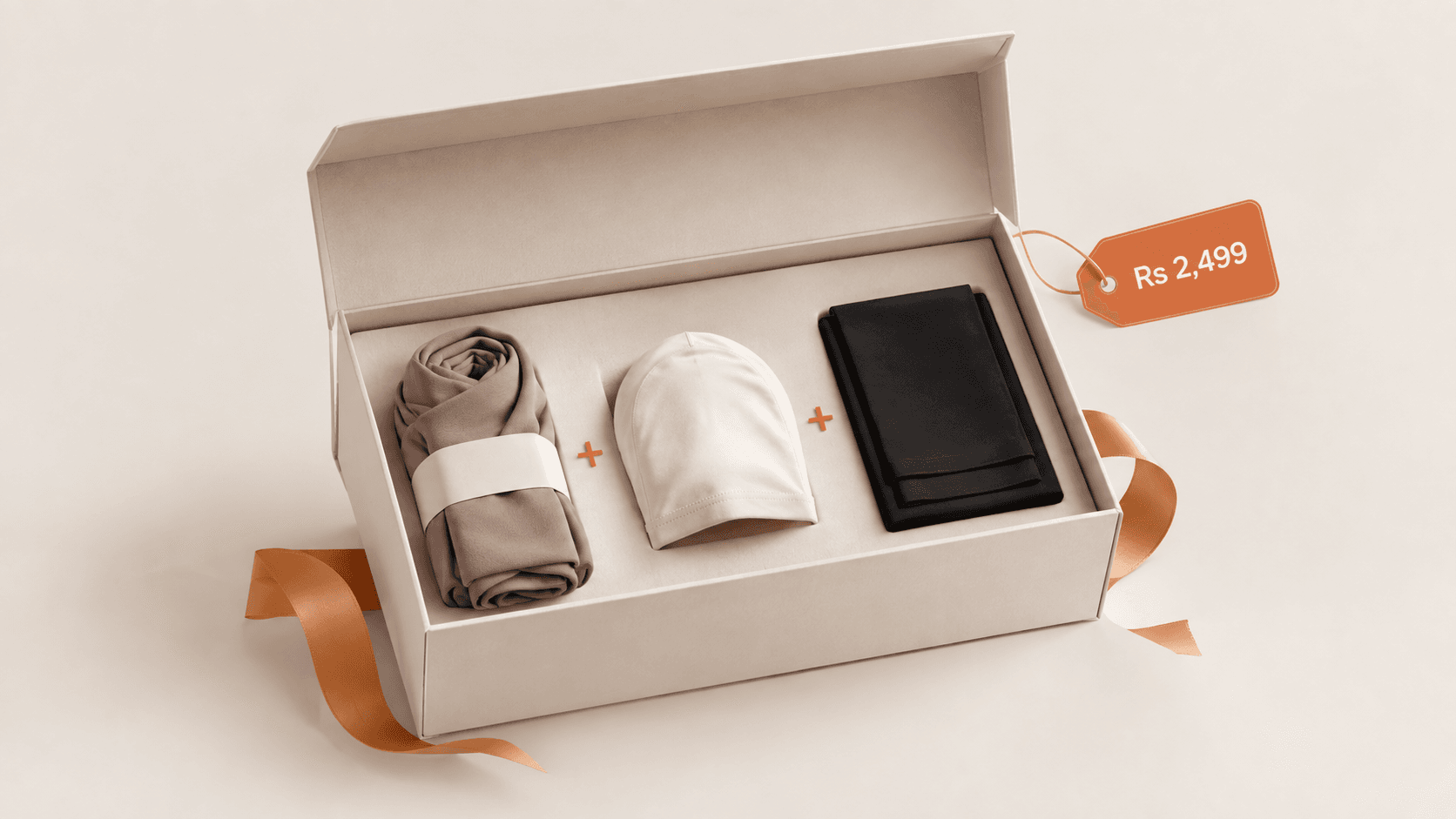
Product bundles group two or more items into one offer — and they're the fastest, cheapest way to raise average order value on Shopify, because you're selling more to buyers you've already won. This guide covers the bundle types that actually work, how to create product bundles on Shopify without code, and what to look for in a bundle app.
Why bundles beat discounts
A flat discount trains customers to wait for sales and shrinks your margin on every order. A bundle does the opposite: it increases the order size and the perceived value at the same time. You move more units, clear slow-movers by pairing them with bestsellers, and lift AOV without buying a single extra click.
Bundle types that lift AOV
- Build-a-box / build your own bundle — the shopper picks items to fill a box (great for skincare, snacks, apparel sets).
- Mix & match — "any 3 for X" across a collection.
- Fixed bundles — a curated set sold as one product (starter kits, gift sets).
- BOGO — buy-one-get-one or buy-X-get-Y to move volume.
- Frequently-bought-together — pair complementary items on the product page.
How to create a bundle on Shopify (no code)
- Decide the bundle type that fits your catalog (build-a-box for choice, fixed for gifting).
- Install a bundle app from the Shopify App Store — this avoids editing theme code or fighting with inventory.
- Pick the products (and variants) that go in the bundle.
- Set the offer — a bundle price, a "buy 3 save 15%" rule, or BOGO.
- Place the bundle widget on the product or cart page and publish.
- Track AOV before and after, and double down on the bundles that sell.
Doing it manually (as separate "bundle" products) breaks your inventory counts and hides the real bestsellers — which is exactly why most stores use an app.
What to look for in a Shopify bundle app
- No theme code required, and it works with your current theme.
- Supports the bundle types you actually want (build-a-box, mix & match, BOGO).
- Keeps inventory accurate per component product.
- Doesn't slow the store down.
- A free plan so you can prove the AOV lift first.
The no-code option: Upzella: Bundle Builder
Upzella: Bundle Builder lets shoppers build their own bundles and boxes and run mix & match and BOGO offers — no theme code, free to start. Install it from the Shopify App Store or see all TwinEcom apps. For raising order value even further, pair it with upsells (next section) — see how to increase AOV on Shopify.
Is Upzella the best Shopify bundle app?
"Best" depends on what you need — but if you want build-a-box, mix & match and BOGO offers with no theme code and a free plan to prove the AOV lift first, Upzella Bundle Builder is one of the strongest options on the Shopify App Store. It keeps inventory accurate per component product and works with your current theme, so you're not rebuilding your store to run bundles. Compare it on the App Store.
FAQ
Do Shopify bundles hurt inventory tracking? Not with a proper bundle app — it decrements each component product's stock. Manual "bundle products" are what cause the mismatches.
What's the best bundle type for a new store? Start with a fixed "starter kit" or frequently-bought-together pairing — they're simple and they teach you what combos your buyers want.
Want bundles set up and tied into your ads and store? Book a strategy call with TwinEcom.