how to hide sold-out products on Shopify
How to Handle Sold-Out Products on Shopify (Hide, Reorder & Restock)
23 September 2026 · 6 min read
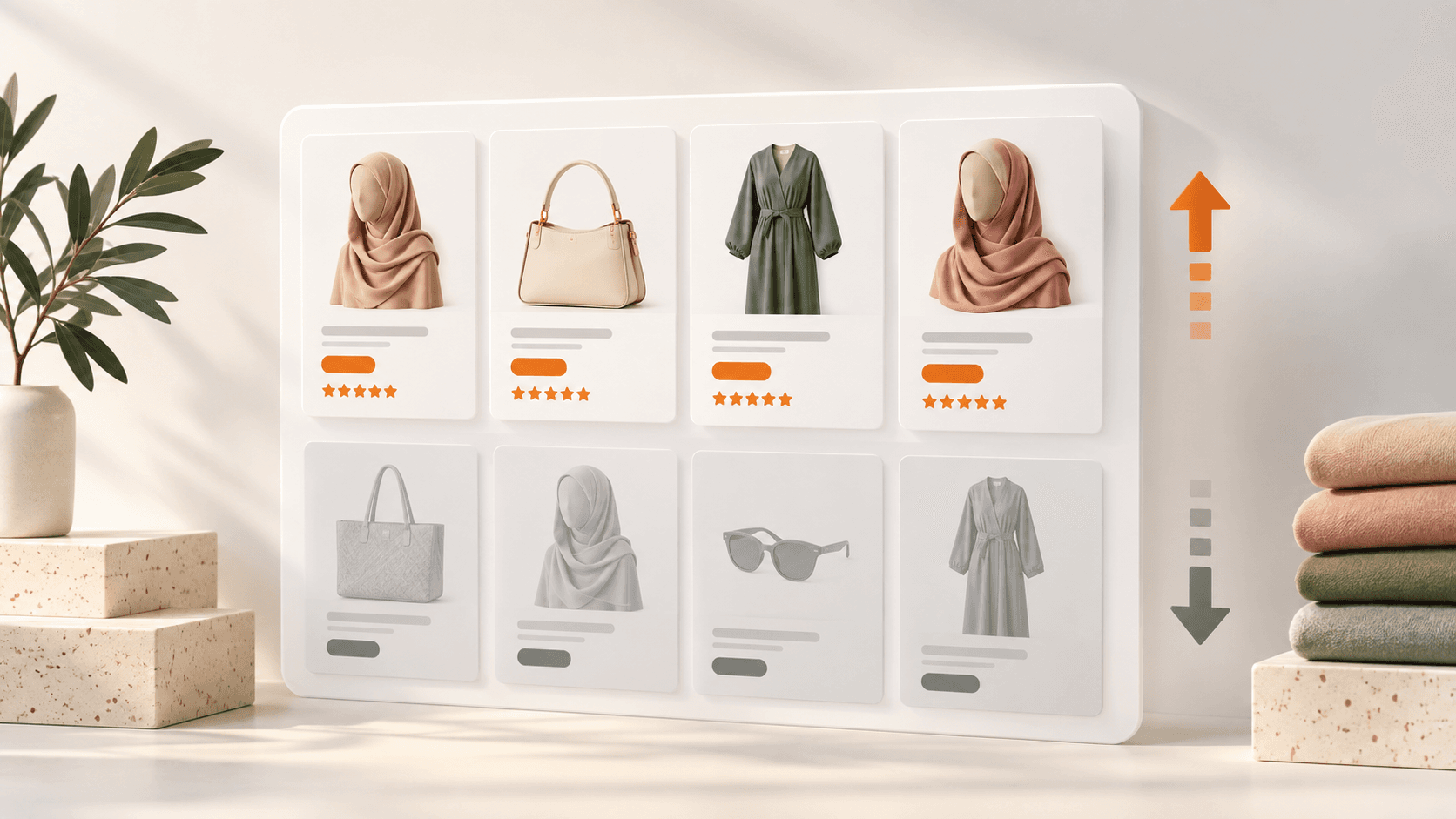
Sold-out products sitting at the top of your collection pages quietly cost you sales. Shoppers land, see "out of stock," and assume the whole collection is picked over. The fix isn't always to hide them — it's to handle them correctly: push them down, keep the ones worth keeping for SEO, and know what to restock first. Here's how to do each on Shopify.
Should you hide sold-out products, or just move them?
It depends on whether the product is coming back:
- Restocking soon? Don't hide it. Push it to the bottom of the collection and add a back-in-stock signal — the page keeps its SEO and captures demand.
- Gone for good? Hiding or redirecting it is fine, but redirect the URL to a relevant product so you don't lose the link equity or land shoppers on a dead page.
What you should almost never do is leave sold-out items pinned at the top of a collection — that's the version that actually loses money.
How to push sold-out products to the bottom on Shopify
Shopify's built-in collection sorting has a limitation: manual sort drifts, and the automated sorts don't reliably keep out-of-stock items last. The clean options:
- Manual collections — drag sold-out items down. Works, but you have to keep doing it.
- Automated sort — sort by inventory where your theme supports it; results vary by theme.
- An app — automatically re-sorts sold-out products to the bottom as stock changes, so it's always right without you touching it.
Then: know what to restock first
Re-ordering everything that sold out is how cash gets stuck in slow stock. The smarter move is to restock by demand — what actually sells fastest, based on your own sales data — so your money goes into the products that turn over, not the ones that just happened to run out.
The app for it: Shelfback
Shelfback automatically pushes sold-out products to the bottom of your collections and ranks what to restock first using your own sales data — so your collections always lead with what's buyable and your re-orders follow real demand. It's free. Get it on the Shopify App Store or see all TwinEcom apps.
FAQ
Does hiding sold-out products hurt SEO? It can — if the product URL has traffic or backlinks and you delete it, you lose that. For anything restocking, keep the page and push it down instead of hiding it.
Should out-of-stock products be indexed? If they're coming back, yes — keep them live with a back-in-stock option. If they're gone permanently, redirect the URL to a relevant alternative.
Want your store, ads and apps working as one system? Book a strategy call with TwinEcom.